



What is a Medical Alert System?
A medical alert system is a type of alarm designed to quickly get help in case of an emergency. People buy these for themselves or a family member for several reasons, like living alone, being at risk of falling or having certain conditions that may require unexpected medical attention.
Devices offer different types of protection, including at-home and on-the-go monitoring - and programs vary in features and costs according to needs and lifestyle.
How Medical Alert Systems Work
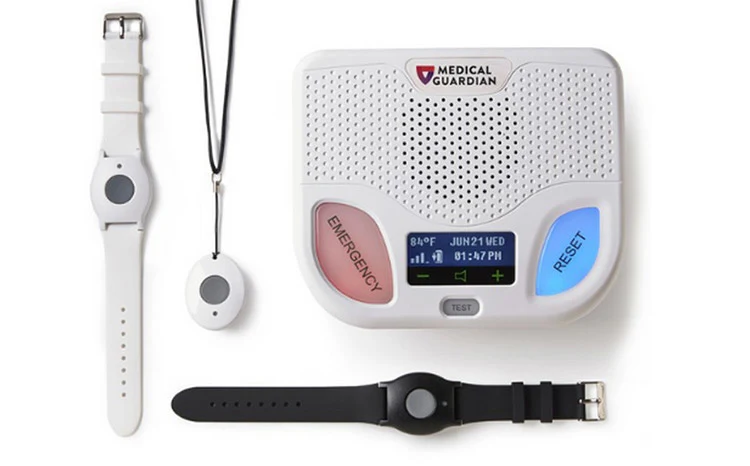
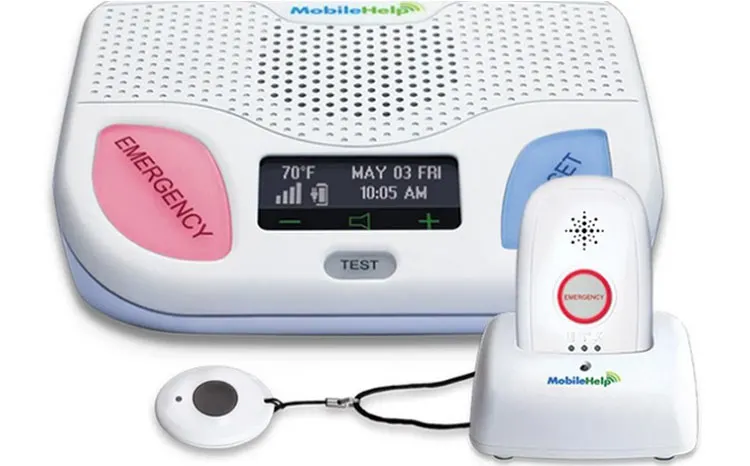
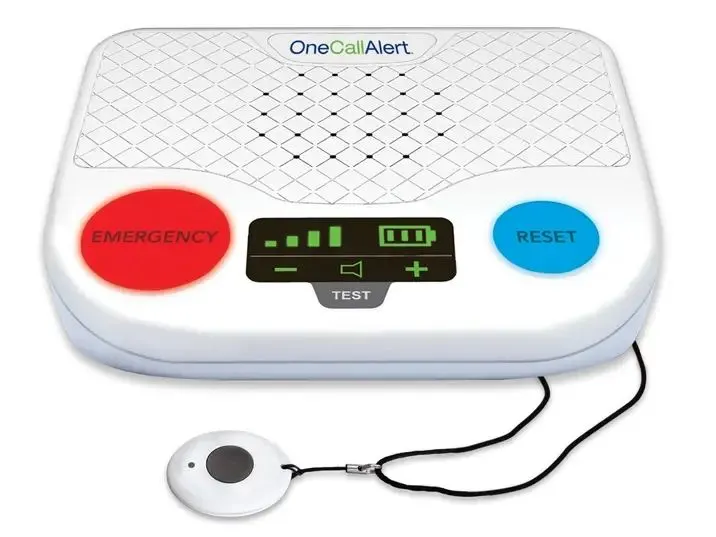
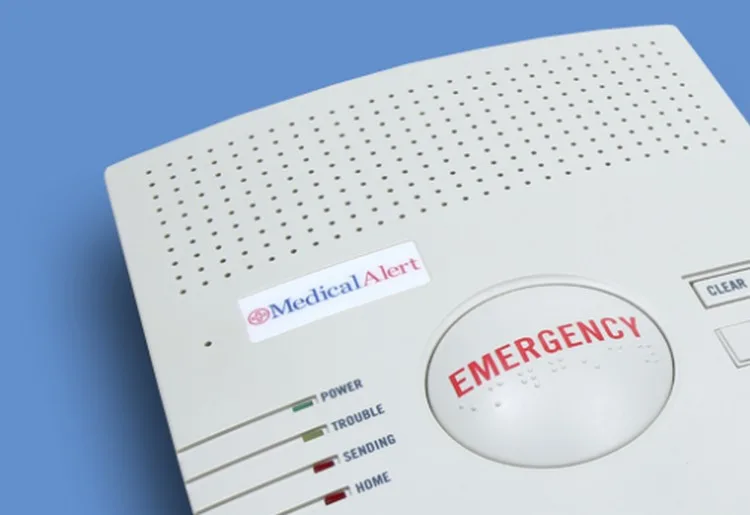
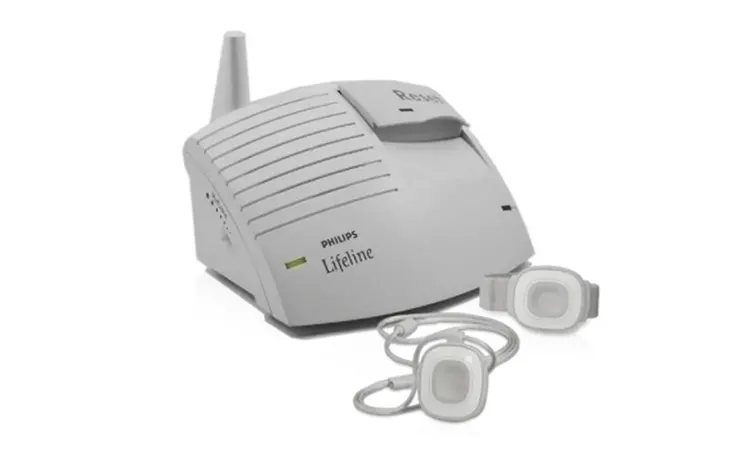
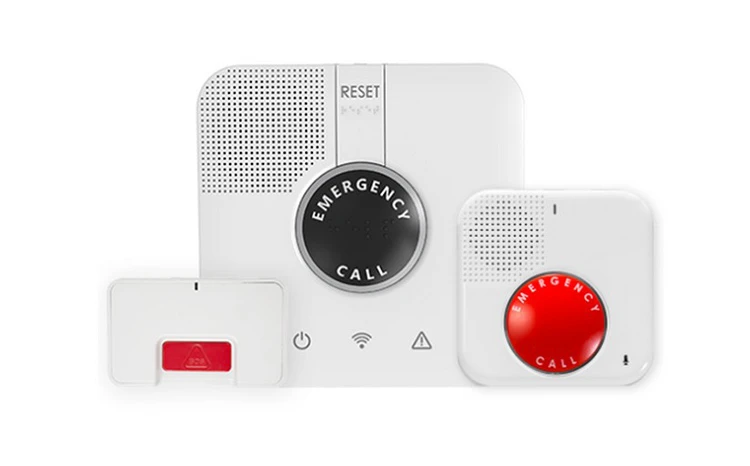
There are two types of medical alert designs: at-home systems and on-the-go systems. Home alert systems typically consist of a base station and a wearable button that you can push whenever you need help. These connect to monitoring centers via landlines or cellular networks.
Once you activate the help button, your device contacts a trained operator who contacts emergency services or a designated family member, depending on the situation. At-home units are suitable for seniors who are home alone most of the time or only leave the house with caregivers.
In contrast, on-the-go systems give users more freedom to leave the house without supervision. These devices work as long as they are charged and connected to a cellular network.
They also have a wearable button that connects to a trained operator and sends help when activated. They don't need a base station, so you can go about your day, stay active, and still feel safe at home or out and about.
Choosing the Right Medical Alert System for Your Needs
Choosing a medical alert system can be overwhelming: so many devices and features go with each plan. Check the equipment's in-home range of use, real-time connectivity with the monitoring center, automatic fall detection, and its cost.
Before choosing one, assess your lifestyle and level of mobility, the size of your home, your budget, and health risks like falling or getting lost when you're outside alone. This will help you determine which system is right for your needs: in-home or mobile.
While an in-home system works best for older adults who don't go outside often, a mobile device is more suited for seniors who go out on their own to run errands or tend to their gardens.
How much does a medical alert system cost?
A medical alert system can cost between $20 and $50 per month to start, but this generally excludes taxes and additional fees, such as equipment activation and shipping.
Once you decide on the type of system you want to purchase and how many extra features you want to add, you can determine your monthly cost. However, watch out for hidden fees like equipment repair and cancellation charges.
Health insurance also usually does not cover medical alert systems, but check with your insurance provider to confirm this. You can contact them by calling the number on the back of your insurance card or through their website.
Key Features of Medical Alert Systems
There are several different features to consider when deciding which medical alert system is suitable for you. These include connectivity options, pinpoint location detection, two-way communication functionality, and medication reminders.
Here are a few essential features when choosing a medical alert system.
24/7 Monitoring Services
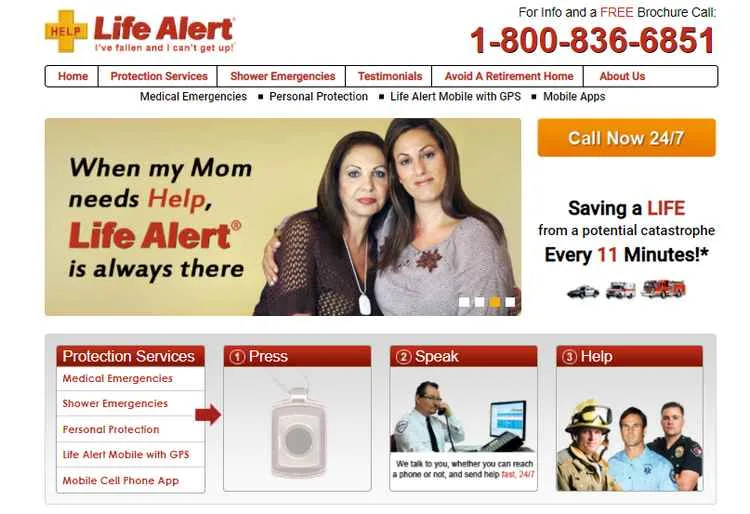
Your medical alert system should be monitored 24/7 by well-trained, professional operators certified by industry-standard organizations like the Security Industry Association (SIA) or the CSA Group. Life Alert, for example, has a network of Five Diamond certified monitoring centers throughout the US. Its operators spend up to a year training and learning about medical conditions, personal safety, and Life Alert equipment.
Multilingual support
If English is not your native language, find a monitoring service that employs operators fluent in several languages or has access to translation services. For example, Lively's response agents can provide translation support in over 100 languages. Additionally, verify where the monitoring centers are located. If they’re outside the US or Canada, the operators may not be native English speakers.
Landline or Cellular Connection Options
Most companies offer systems that connect to a landline or cellular network. These mainly rely on AT&T or Verizon networks to connect your equipment to their monitoring systems. In most cases, however, you won't have to sign contracts with these providers to receive monitoring. Your device will work as long as you live or travel in an area where these networks are available.
GPS Location Tracking
When you purchase an on-the-go system, you may have the option to add GPS location tracking to your service. Medical alert pendants, like the Kanega Watch from UnaliWear, connect through WiFi, cellular networks, and GPS signals to track your location. In an emergency, the monitoring center can pinpoint your location and direct emergency services or caregivers your way.
Activity Tracking
Some mobile medical alert systems offer activity tracking that can record your daily step count, heart rate, oxygen levels, and even how well you sleep. For example, MobileHelp's activity tracking (which includes fall detection) can help you stay healthy by allowing you to monitor your daily activities for an extra $6 a month. This feature ensures you maintain an active and healthy lifestyle. It can also notify a designated family member if you're inactive for an extended period.
Additional Help Buttons Placed Strategically
Extra emergency buttons can be mounted on walls or placed where accidents often occur, like bathrooms or staircases. They can also be used on bedside tables. Medical Guardian, for example, offers two wall-mountable buttons; one you can push and another that’s voice-activated.
Water Resistance for Increased Durability
A water-resistant device can't be completely submerged in water, but you can wear it in the shower or mount it on the wall above the bathtub. Please fix the double space between "Alert's" and "devices".
Two-Way Communication Capability
Not all medical alert systems let you communicate directly with an operator when you need assistance. Confirm if your chosen system offers this feature before buying in. With some systems, like LifeFone, you can connect to an operator who speaks with you, assesses your situation and calls for help if needed. Other systems will call 911 or your designated emergency contact directly once you press the help button.
Medication Reminders and/or Dispensers
Track pills and when you take them with a medication reminder. This feature is convenient for individuals who live alone and need to keep up with several prescriptions daily.
It notifies you when it's time to take your pills, which improves medication adherence and "can affect patient health positively". Lifeline offers a programmable medication dispenser to measure and dispense the correct dosages as your doctor prescribes.
Caregiver Web Portal or Mobile App
Several medical alert companies offer a web portal or mobile app, some free and others at an extra cost. These apps and portals connect you and your family to your caregiver to help better coordinate your care. Medical Alert's complimentary app, for example, uses GPS technology to pinpoint your location in an emergency.
Exploring Different Types of Medical Alert Systems
The two main types of medical alert systems, namely in-home and mobile, can be monitored or unmonitored. A monitored system lets you communicate with an on-call operator, while an unmonitored system notifies your family member or emergency services directly without establishing contact with you.
In-home and mobile devices are different and suit diverse needs. Here are the most significant distinctions between the two:
In-Home Devices
An in-home medical alert system is a base station connecting to a landline or cellular network. It usually comes with a help button to wear around your neck or wrist. You can also get optional accessories, including voice extenders and wall buttons. With an in-home system, however, the wearable device only works if it's within range of the base station, making it the right choice for people who spend most of their time in their houses.
Mobile Devices
Mobile alert systems connect to a cellular network through various cellphone companies. These devices are usually wearable and have a button that lets you call for help whenever you're outside your home. Many of them come with GPS tracking features, so the emergency call center or your designated contact person knows exactly where you are when you call for help. The devices are ideal for active seniors who spend a lot of time away from home.
Understanding Medical Alert System Contracts, Warranties, and Policies
Some medical alert companies don’t require you to enter into a contract and only charge a monthly fee as long as you use their services. However, most providers ask you to sign a contract. Ensure you understand what you’re agreeing to before you sign—especially since these companies likely charge a cancellation fee if the service is discontinued.
Apart from cancellation fees, you also need to read through your device's warranty stipulations to find out if there are hidden fees for replacing a lost or damaged device. Your homeowner's insurance policy may also cover your medical alert system in case of theft or damage. But you'll have to check with your insurance provider to confirm coverage.
Insurance Coverage for Medical Alert Systems
Medical alert systems can be costly, so having insurance coverage to help with the expense can relieve some of the financial pressure. Unfortunately, most insurers, like Medicaid, don't cover the cost of medical alert systems. These plans can vary by state, so contact your insurance provider to confirm whether they offer full or partial coverage, if any.
On the other hand, Medicare Advantage, also known as Medicare Part C, may cover at least part of the cost. If you're a veteran or veteran's spouse, you may also be eligible for cover through VA benefits. Check with your VA insurance provider to confirm whether you can get reimbursement for a medical alert system.
Emergency Medical Alert Systems with Fall Detection
Fall detection can sense when you've collapsed by monitoring your movement through sensors on your wearable device. When you fall, the device automatically alerts the monitoring center, notifying a family member or emergency services on your behalf. There is usually an additional fee of at least $10 a month for automatic fall detection. Still, individuals living alone and at high risk of falling should consider getting a medical alert system with this feature
Wearable Medical Alert Devices: Convenience and Safety
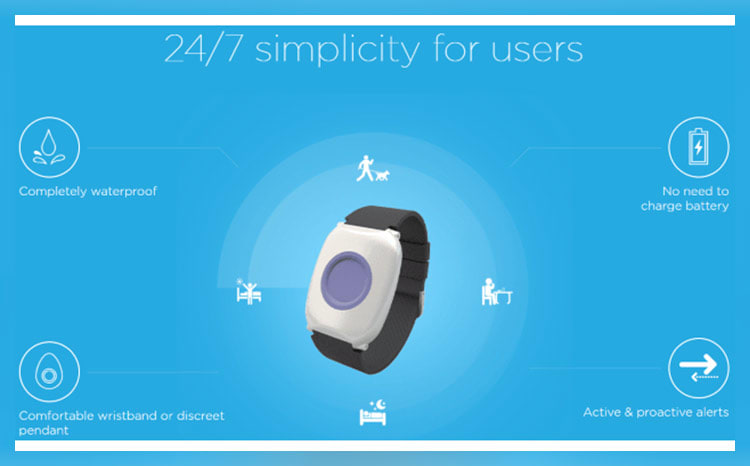
The main types of wearable medical alert devices include pendants, bracelets, wristbands, and smartwatches. These devices ensure you have access to emergency assistance wherever you go. They’re usually water resistant and can be worn in the shower and at night while sleeping. Some medical alert companies offer additional services with wearable technology like medication reminders and activity trackers—some can even measure the quality of your sleep. Also, because you'll be wearing the device almost all the time, you need to choose one that is comfortable and easy to use.
Medical Alert Systems Tailored for Seniors
Medical alert systems create elderly care solutions that let seniors enjoy their independence in a safe environment for longer. In-home and mobile medical alert systems can assure older adults that help is just a push of a button away if they fall or experience an emergency.
When older adults live alone, they often need home health monitoring for medical and non-medical emergencies, such as experiencing shortness of breath or feeling unsafe. Medical alert systems can reduce the risk and fear of living alone by ensuring that elderly assistance is available whenever needed.
Additional Medical Alert Systems We Reviewed
Aside from the medical alert systems covered here, we reviewed other providers that are also worth exploring out:
- LifeStation - Best for personalized emergency action plans
- HelpButton - Best for active older adults who go on regular hikes and like to swim
- Constant Companion - Best for caregivers and senior assisted-living facilities
- Aloe Care Health - Best for access to a searchable online knowledge base
- GetSafe - Best for voice-activated emergency buttons for seniors
Further Exploration and Resources
Allergy Safety: How Medical Alerts Help9 Ways a Smartwatch Can Improve HealthWhat Are Unmonitored Medical Alert Systems, and Should You Get One?Natural Intelligence does not provide medical advice, diagnosis, or treatment. If you think you may have a medical emergency, call your doctor or your local emergency number immediately.
One Call Alert is one of the cheapest medical alert systems on the market, with prices starting from $19.95 per month. However, if you plan on signing up for an annual plan, Medical Alert also offers deals for the same price.
Regardless of age, anyone with a chronic illness should consider getting a medical alert system. It could increase your safety, especially if you're at risk of falling or experiencing an emergency when you're at home or traveling alone.
A medical alert system is often worth the investment if you might need unexpected emergency assistance or spend a lot of time alone every day. Many people who invest in medical alert systems feel safer, have the confidence to be more active, and feel that the peace of mind it gives them is worth the expense.
The AARP recommends using medical alert systems but doesn't endorse specific companies. However, they do have an exclusive partnership with Lifeline and offer a 15% discount on the monthly service fee, plus free shipping and activation for these medical alert systems.
The average cost of a medical alert system ranges from $20-$50 per month. However, you may have to pay additional charges for equipment, activation, and add-on features like fall detection.
No, not all medical alert systems require a landline; some systems can be connected via a cellular network or WiFi.
Natural Intelligence does not provide medical advice, diagnosis, or treatment. If you think you may have a medical emergency, call your doctor or your local emergency number immediately.


